
Notion Integration
Notion and Userback








Work smarter with the Userback and Notion Integration
1. Easy to setup
Userback’s intuitive design enables effortless connection with your Notion projects.
2. Next-gen tools
Powerful user feedback tools, purpose-built for modern software teams.
3. Built for teams
Centralize feedback and work faster across your development and customer teams.
1. Easy to setup
Userback’s intuitive design enables effortless connection with your Notion projects.
User-friendly Tools
Websites and Applications
Completely Customizable
Fast and Efficient
2. Next-gen tools
Powerful user feedback tools, purpose-built for modern software teams.
Bug Reporting
Issue Tracking
Visual Feedback
User Surveys
3. Built for teams
Centralize feedback and work faster across your development and customer teams.
Customizable Workflows
Team Collaboration
Seamless Integrations
Live Notifications
How the Userback and Notion integration works
Capture Feedback
Capture feedback and bug reports from your site
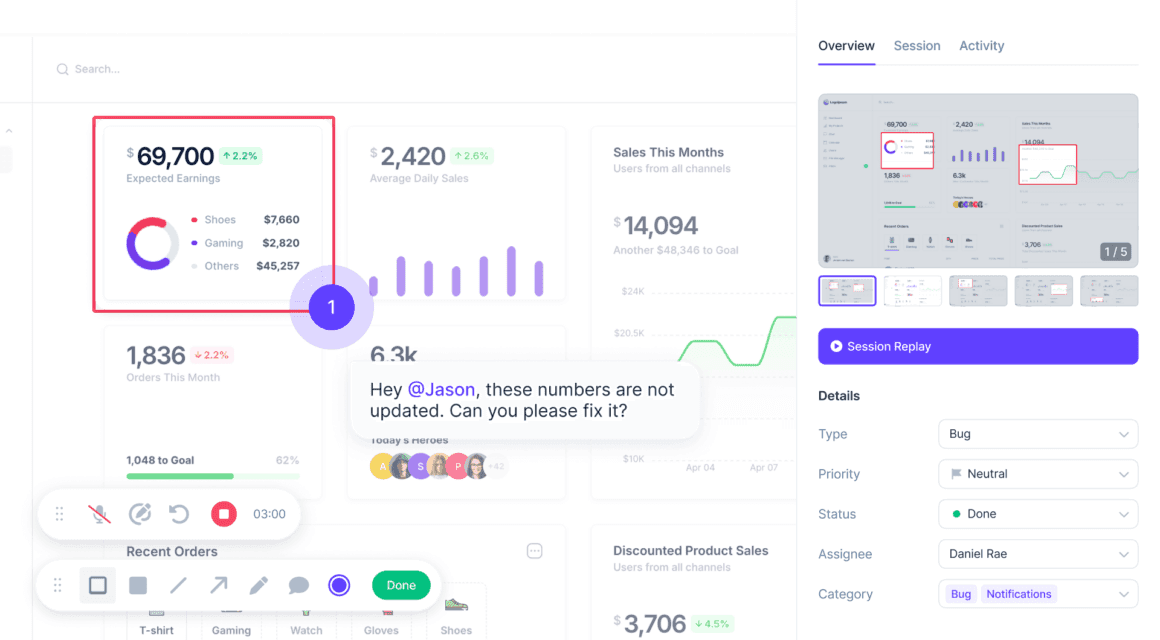
Use Userback to collect feedback directly from your website or application. Users can provide detailed insights, including annotated screenshots, screen recordings, and comments, ensuring your team gets the full context.
Sync with Notion
Seamlessly manage tasks in Notion
Automatically or manually send captured feedback to Notion as tasks, complete with all attachments and metadata. This keeps your team informed and ensures feedback is seamlessly integrated into your existing workflows.
Userback is your all-in-one user feedback platform
Everything you need to quickly understand user feedback, so you can resolve issues and respond to customers faster.
Feedback Widget
Effortlessly gather bug reports, feature requests, and general feedback directly from your users. The customizable feedback widget adapts to your needs, allowing for multiple feedback types in one place.
Session Replay
Understand user behavior with session recordings. Capture and replay user sessions to see exactly how visitors interact with your website or app.
Automation
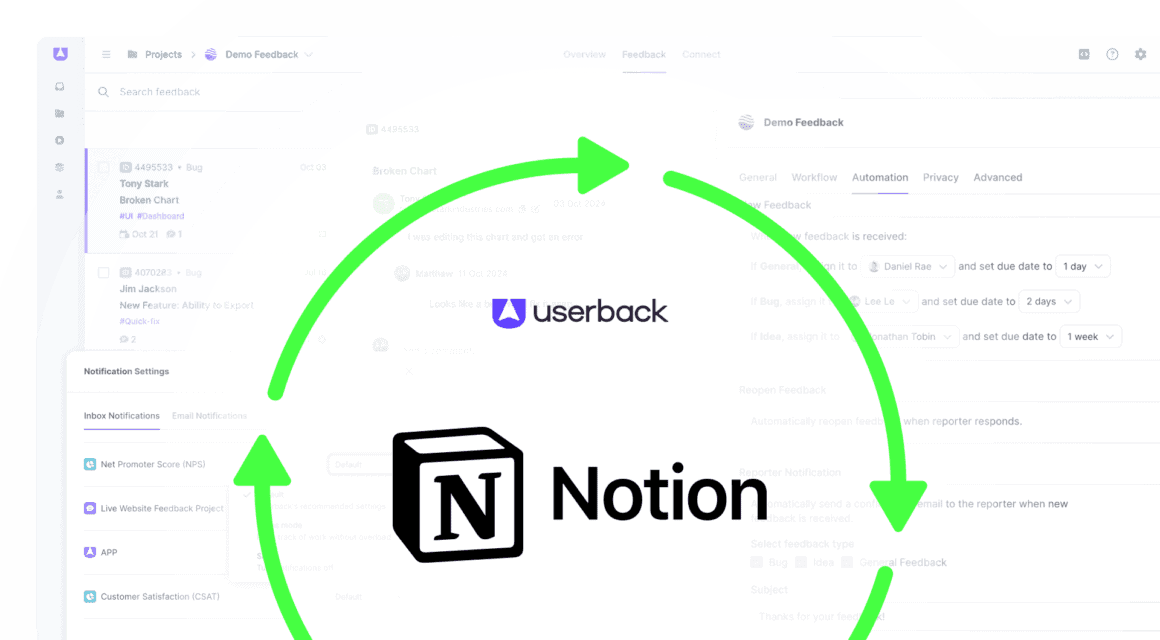
Route feedback and bug reports directly to the appropriate team member, apply due dates to ensure timely outcomes, and automatically send a response when issues have been resolved.
I can’t stress enough how important it is to collect feedback from our actual users. Because that is, in my view, the most critical aspect to getting a successful application out.
JP Strydom
Product Manager

Get started with Userback today!
Start collecting feedback right away, with a quick and easy set-up.