More feedback. More insights. More easily.

How to start with Userback

Start in minutes, gain user insights within hours

You’re busy, so we made it easy

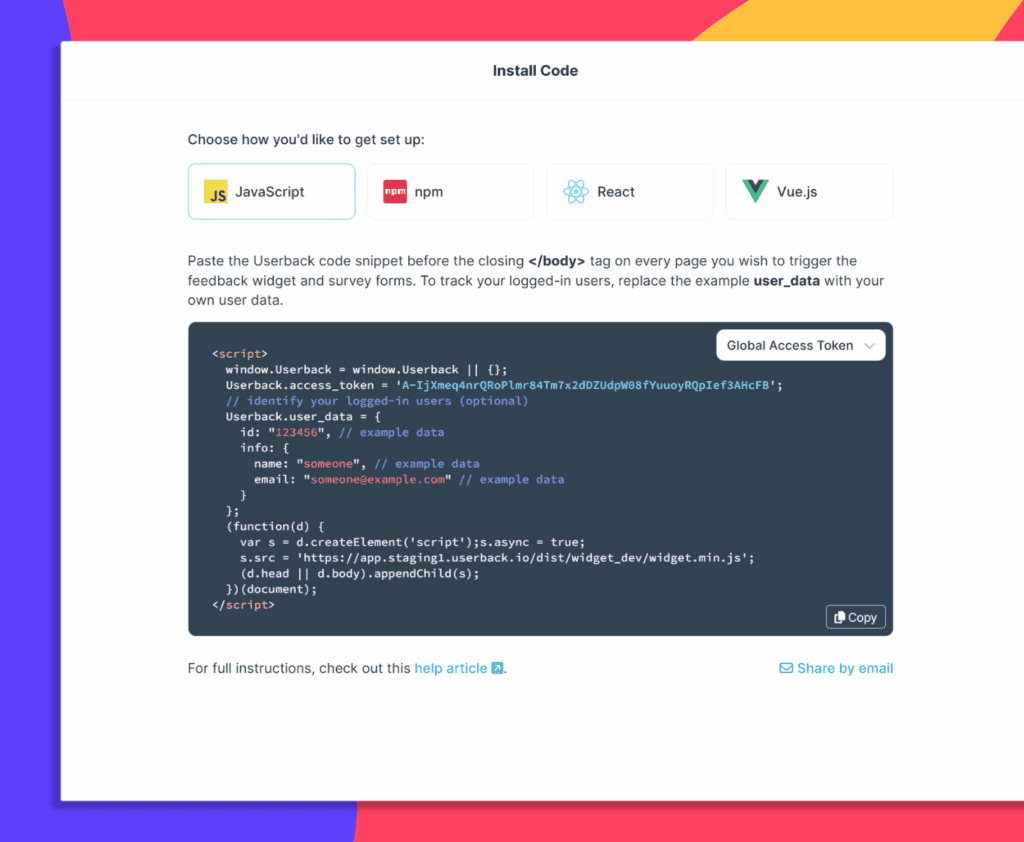
  1. Install your code

    Embed Userback into your site with a simple one-time installation. Add our global code to the pages where you want to collect feedback, and include the properties for User Identification to start tracking valuable insights immediately.
  2. Create a project

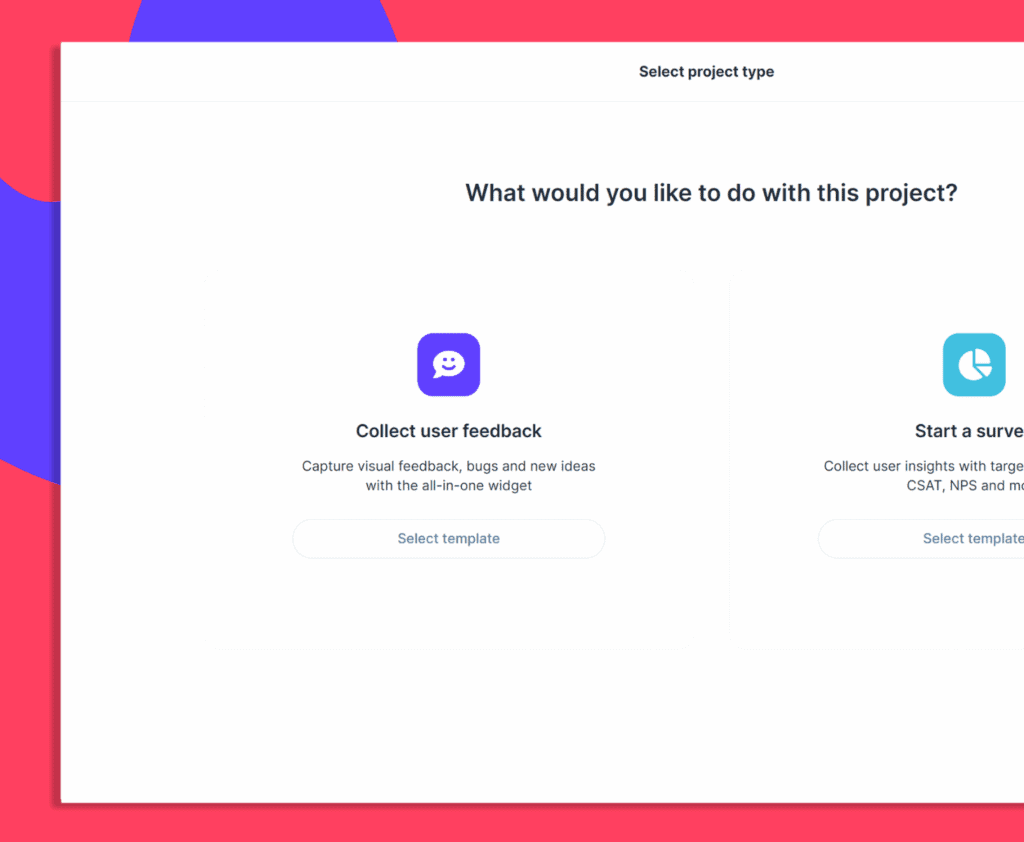
    Setup a project for your site to capture visual feedback, bug reports and ideas together in one place. Or start with a survey project to ask highly-targeted questions to users as they navigate through your site.

  3. Customize and launch

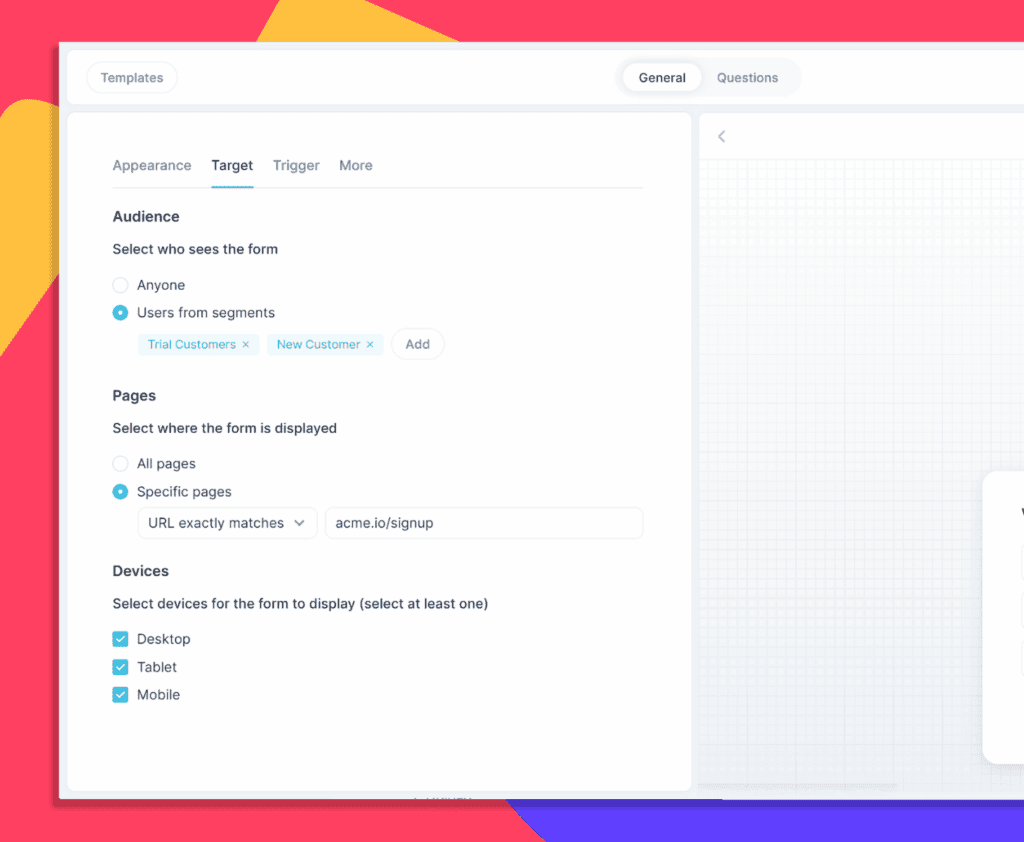
    Tweak the content, customize the appearance, and choose which User Segments should see your surveys and widgets, and on which pages. When you’re ready – hit go, and you’re live!

  4. Gather user insights

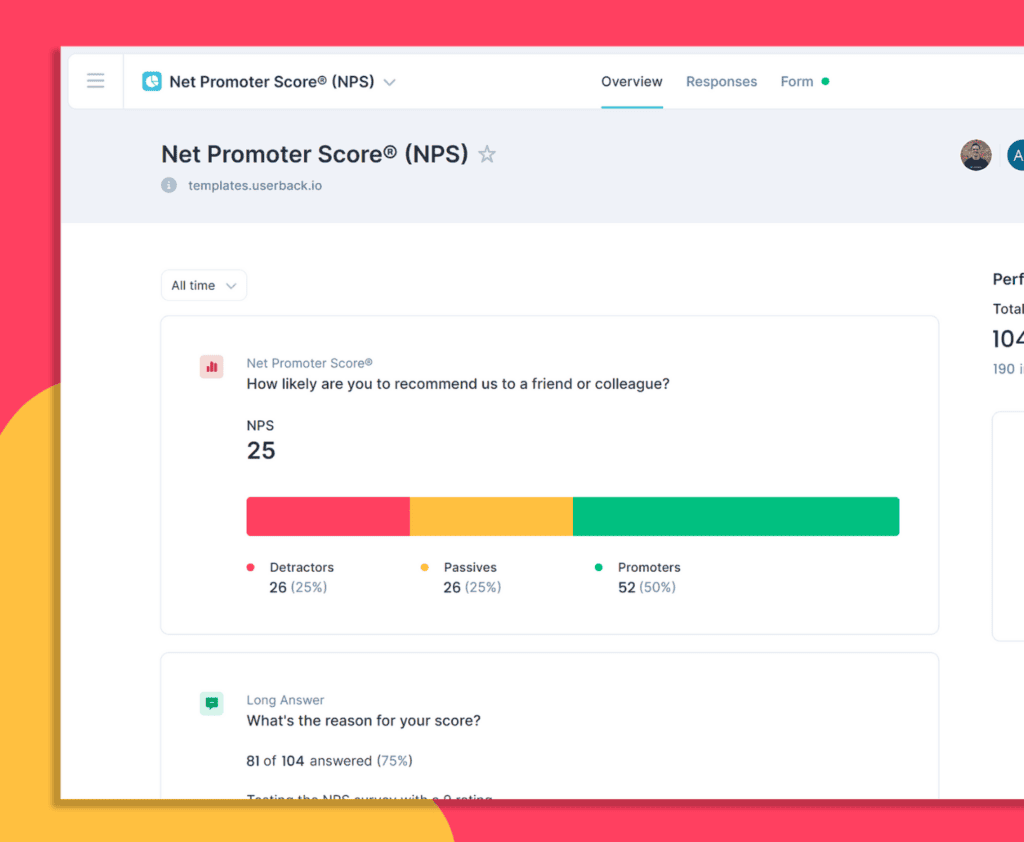
    Receive notifications for new feedback and survey responses and watch the data roll in! View and manage everything directly in Userback or send feedback where you work with helpful integrations, webhooks, Zapier and API.

  5. Watch it back

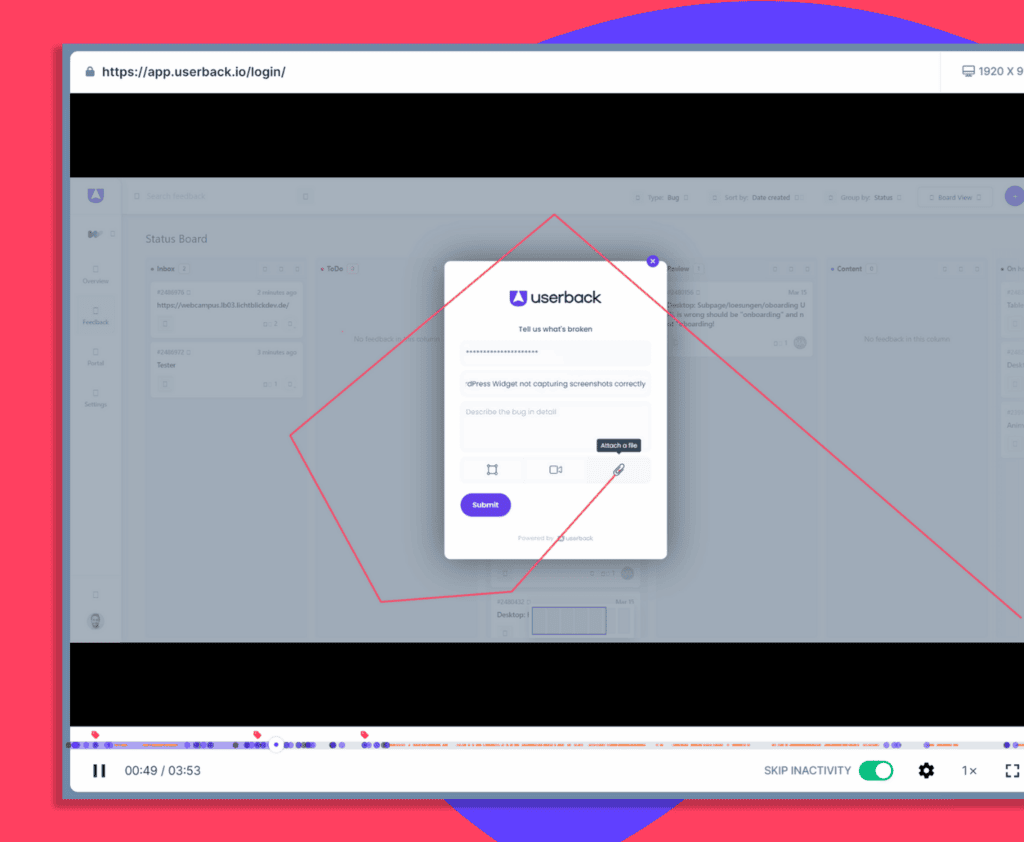
    See a response or piece of feedback you find concerning? Every response automatically attaches technical metadata and a full Session Replay, so you can dive in and see exactly what happened.

Ready to build better products with fast, actionable user feedback?

Start by harnessing the power of Userback’s advanced customer feedback tools. Create your free trial today and transform user feedback into product innovation.