
Feedback Widget
Collect user feedback with ease
Capture real-time user feedback and bug reports from your app or website.
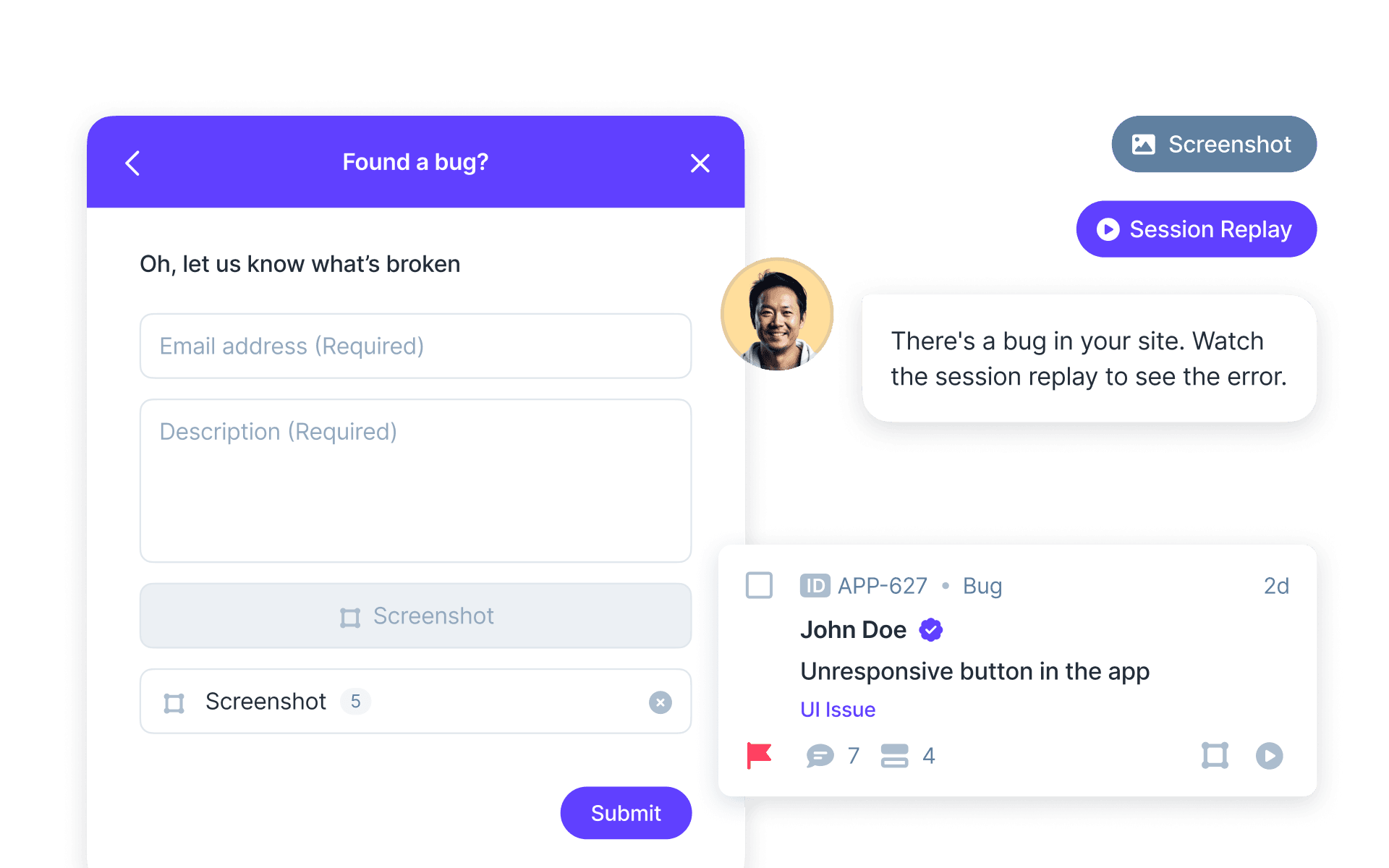
Join over 20,000 teams collecting more insights with Userback’s feedback widget










Actionable feedback with your in-app feedback widget.
Instantly turn contextual feedback into actionable insights.
-70%
Feedback management
2X
Feedback closure rate
Collect more feedback
Capture any feedback, anytime
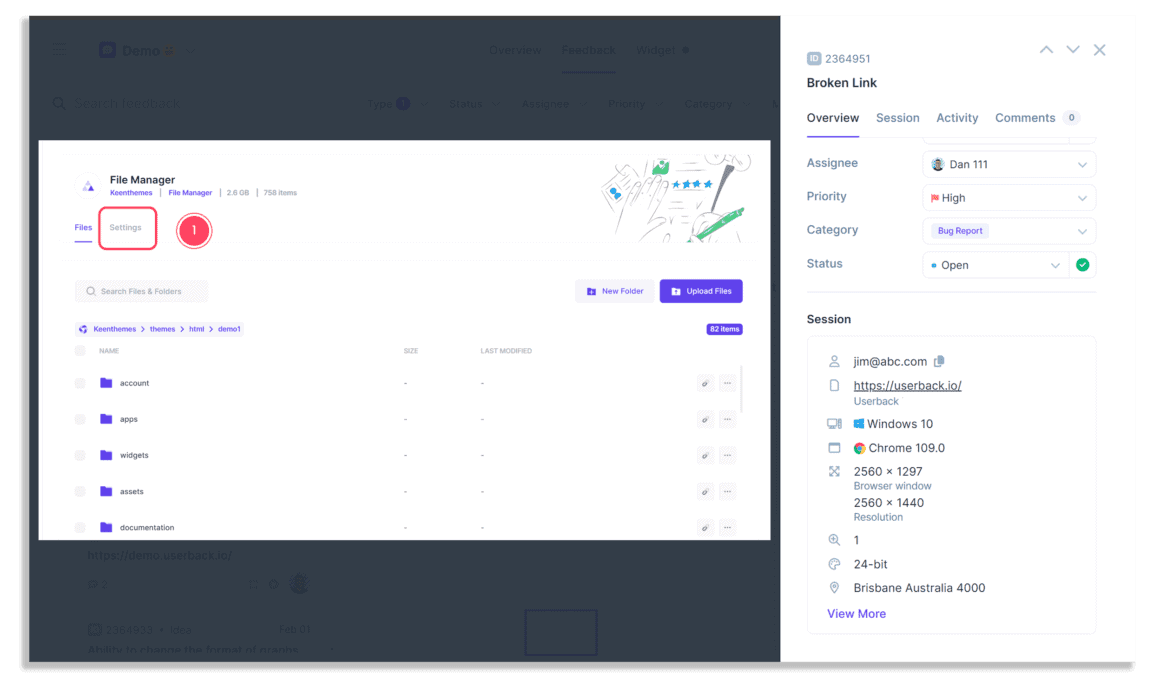
Effortlessly gather bug reports, feature requests, and general feedback directly from your users. The customizable feedback widget adapts to your needs, allowing for multiple feedback types in one place.
- Capture session replays with each feedback submission.
- Add User Identification and capture rich metadata.
Seamless user experience
Customize your feedback widget
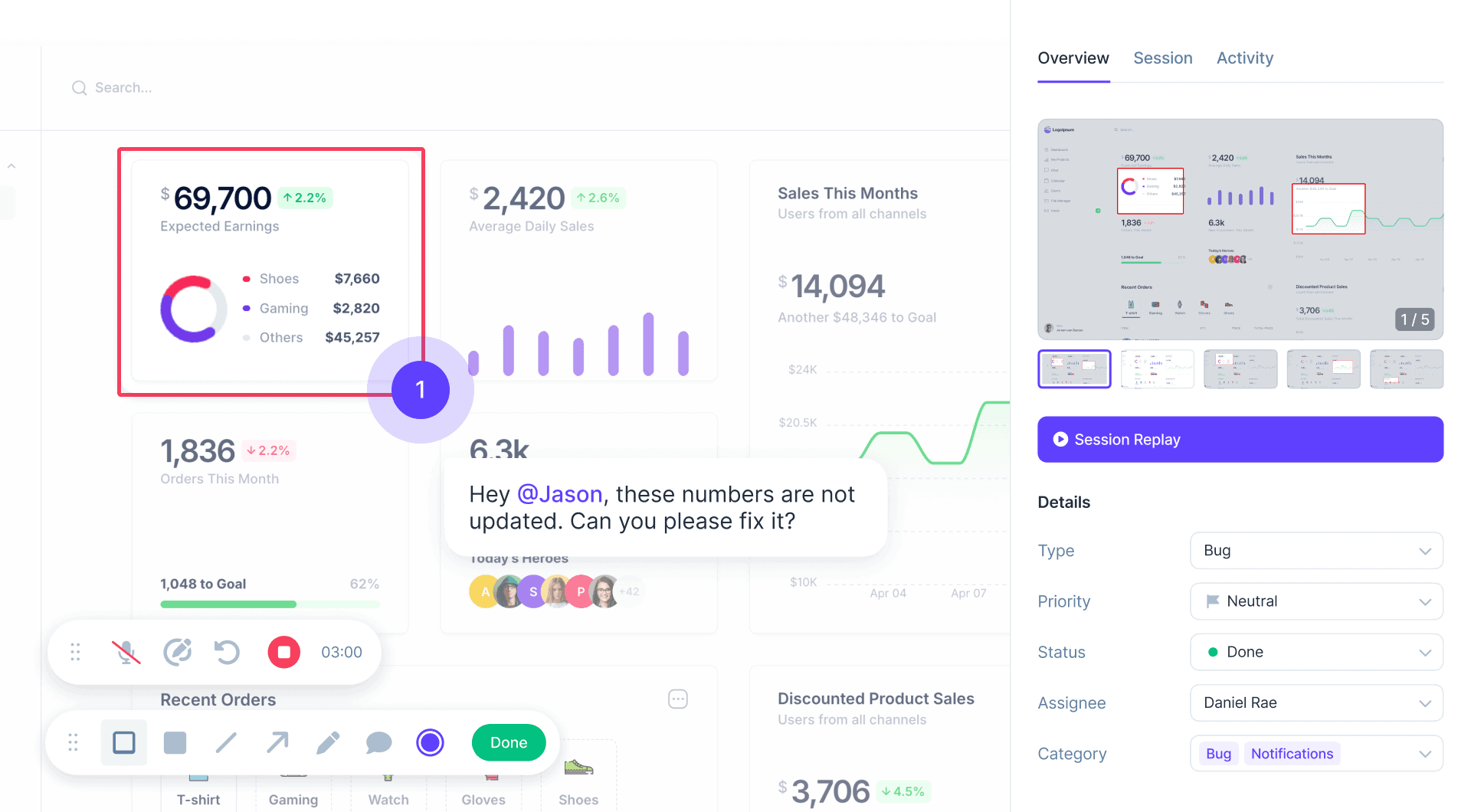
Keep your users engaged with a lightweight, non-intrusive feedback widget that integrates smoothly into your product or website, available when your users need it.
- Let users draw on the screen, add comments, record videos and more.
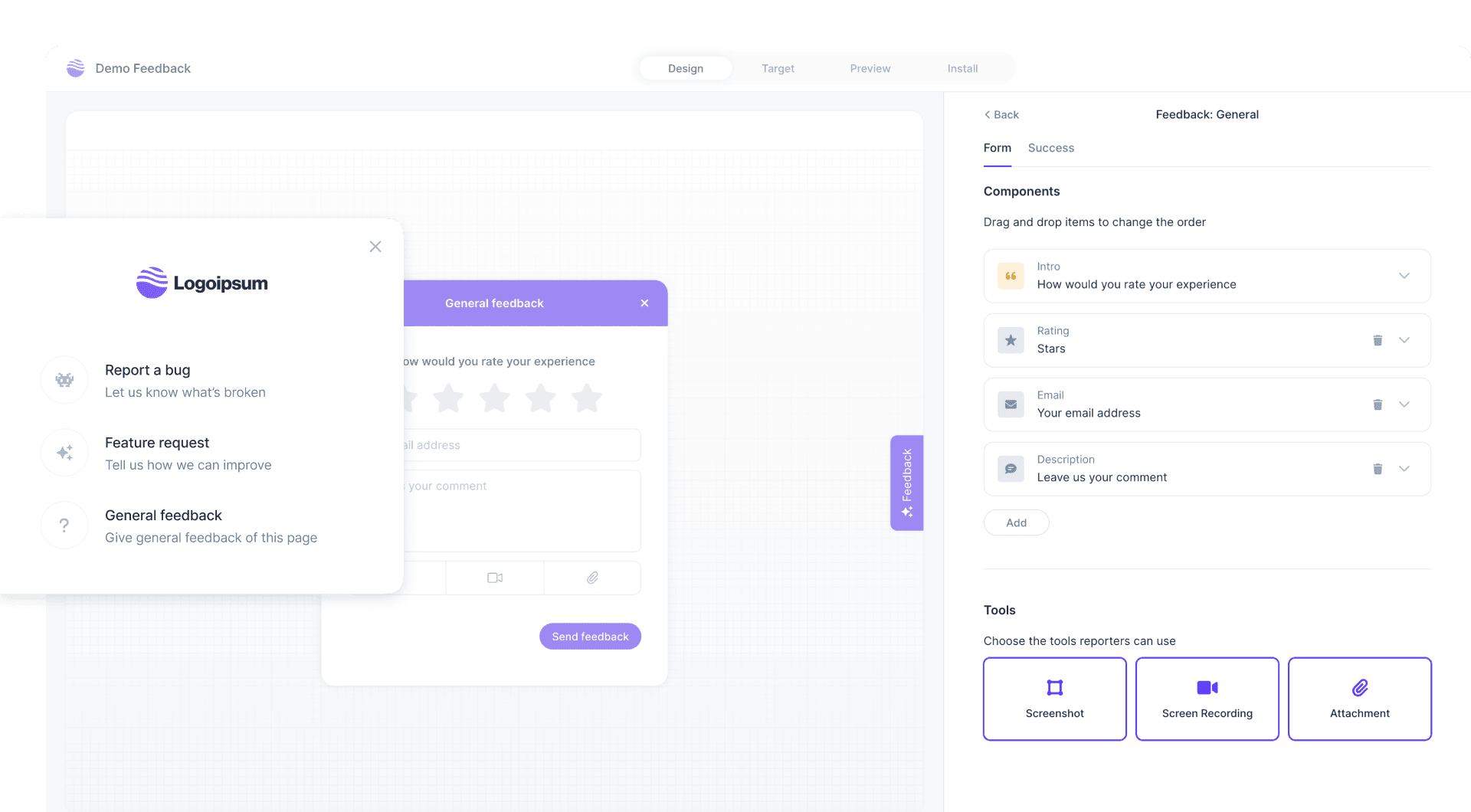
- Add your logo and colors to give your users a branded experience.
Action feedback faster
Automate workflows for faster resolution
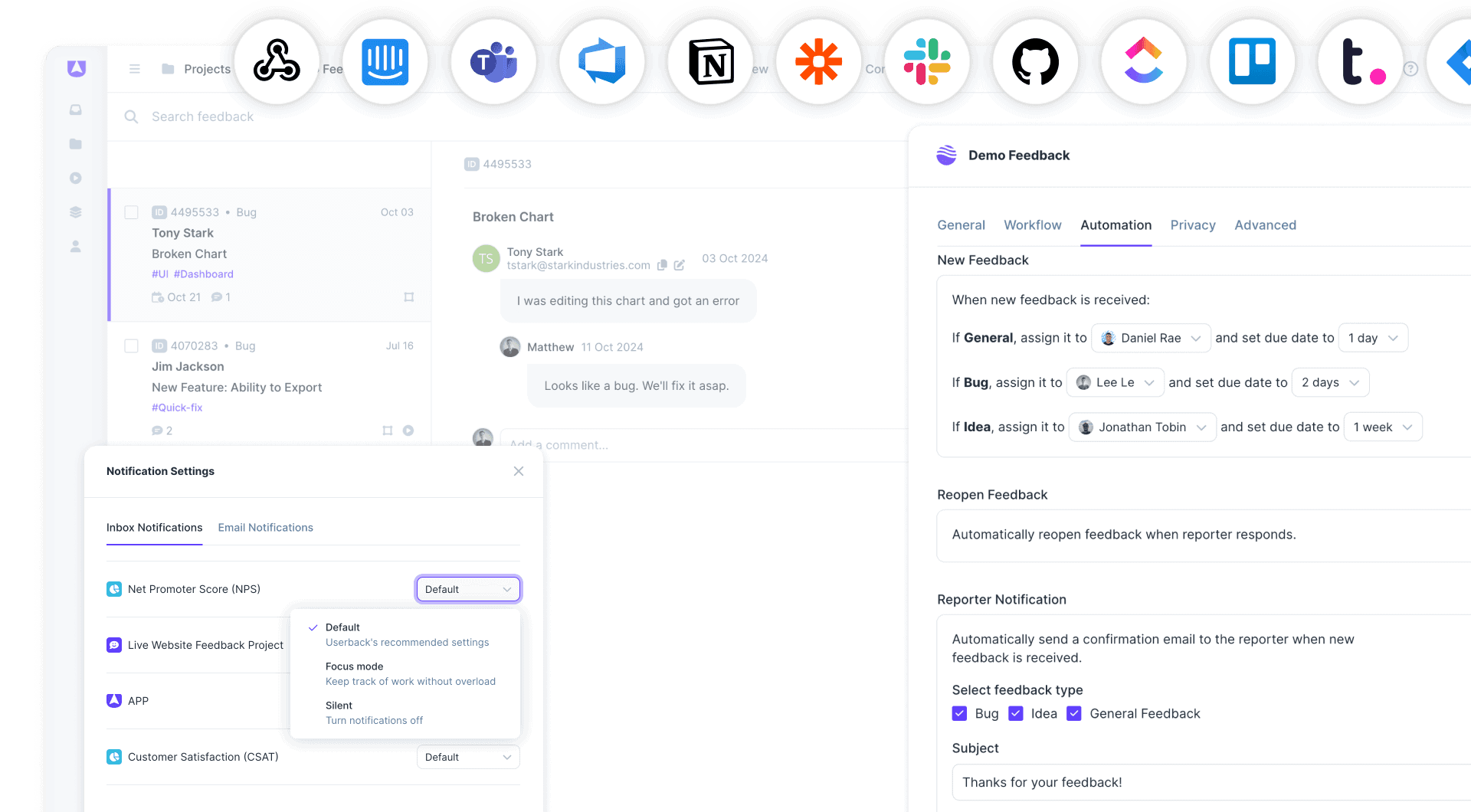
Enhance user experience and resolve issues faster by automatically assigning feedback to the right team members for fastest action.
- Sync feedback with your existing tools via powerful Integrations.
- Create automated workflows to manage feedback faster.
Userback is the bridge between our product and our users. It’s not just a tool — it’s an extension of our commitment to our customers.
Ash Bettridge
Founder & CEO


Frequently Asked Questions
What is a Feedback Widget and how does it work?
A Feedback Widget is a user interface element embedded in a website or application that allows users to submit feedback easily. It typically includes options for reporting bugs, suggesting features, or providing general comments. Users can interact with the feedback widget to share their thoughts, which are then collected and organized for analysis by product teams, helping to improve user experience.
Why should I use a Feedback Widget for my website or app?
Using a Feedback Widget on your website or app enhances user engagement by providing a straightforward way for users to voice their opinions. It helps you gather valuable insights that can inform product development, improve customer satisfaction, and identify areas for enhancement. Additionally, a well-implemented feedback widget can lead to increased user retention and loyalty.
How can I customize my Feedback Widget to match my brand?
Most feedback widgets, including Userback’s, offer extensive customization options. You can adjust colors, fonts, and styles to align the widget with your brand identity. This customization not only enhances the user experience but also ensures that the feedback collection process feels seamless and integrated with your overall design.
How can I install the Feedback Widget on my website?
Installing the Userback feedback widget is quick and easy! If you’re using WordPress, simply take advantage of our official WordPress plugin and follow the simple steps in this guide to get started. For other websites, the Userback JavaScript Snippet makes installation of your feedback widget a breeze. Either way, you’ll be collecting valuable user feedback in no time!
Get started with Userback today!
Start create your own branded feedback widget, with a quick and easy set-up.