Feedback
Product Managers, SaaS, Web Agencies
Click to show Live Preview
Bug Reporting
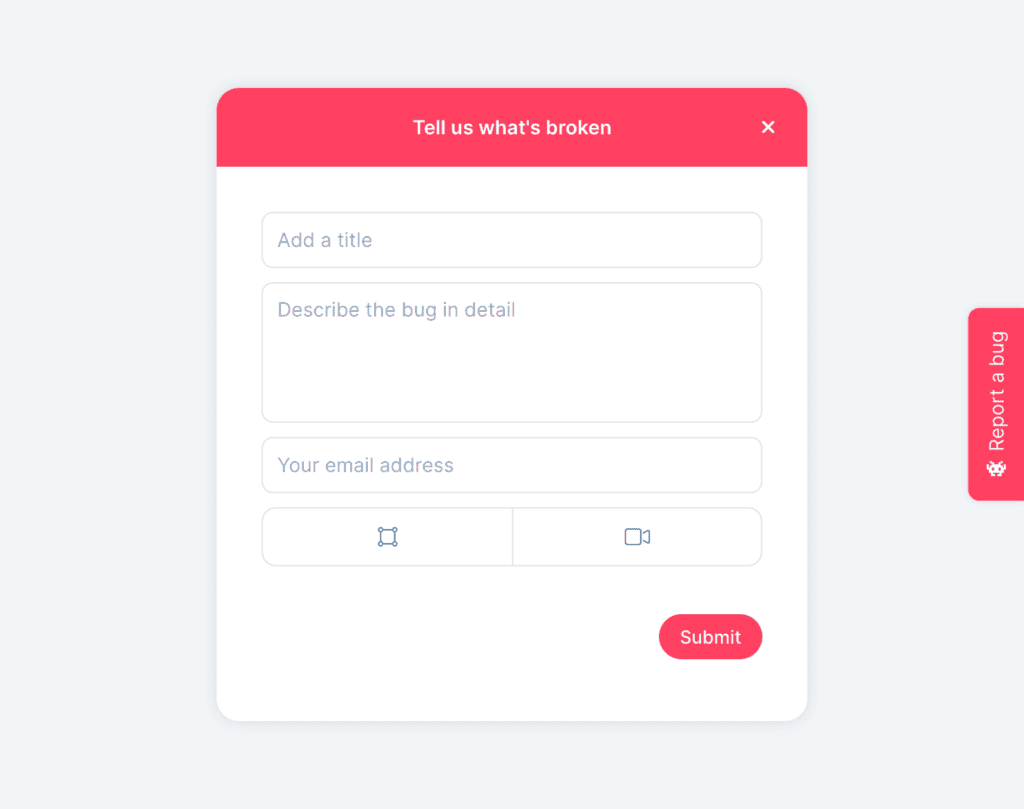
Capture highly precise bug reports so you can fix them faster.
Bug Tracking Tool
Collect annotated screenshots, screen recordings, and metadata to quickly understand issues and resolve them faster with Userback’s bug tracking tools.
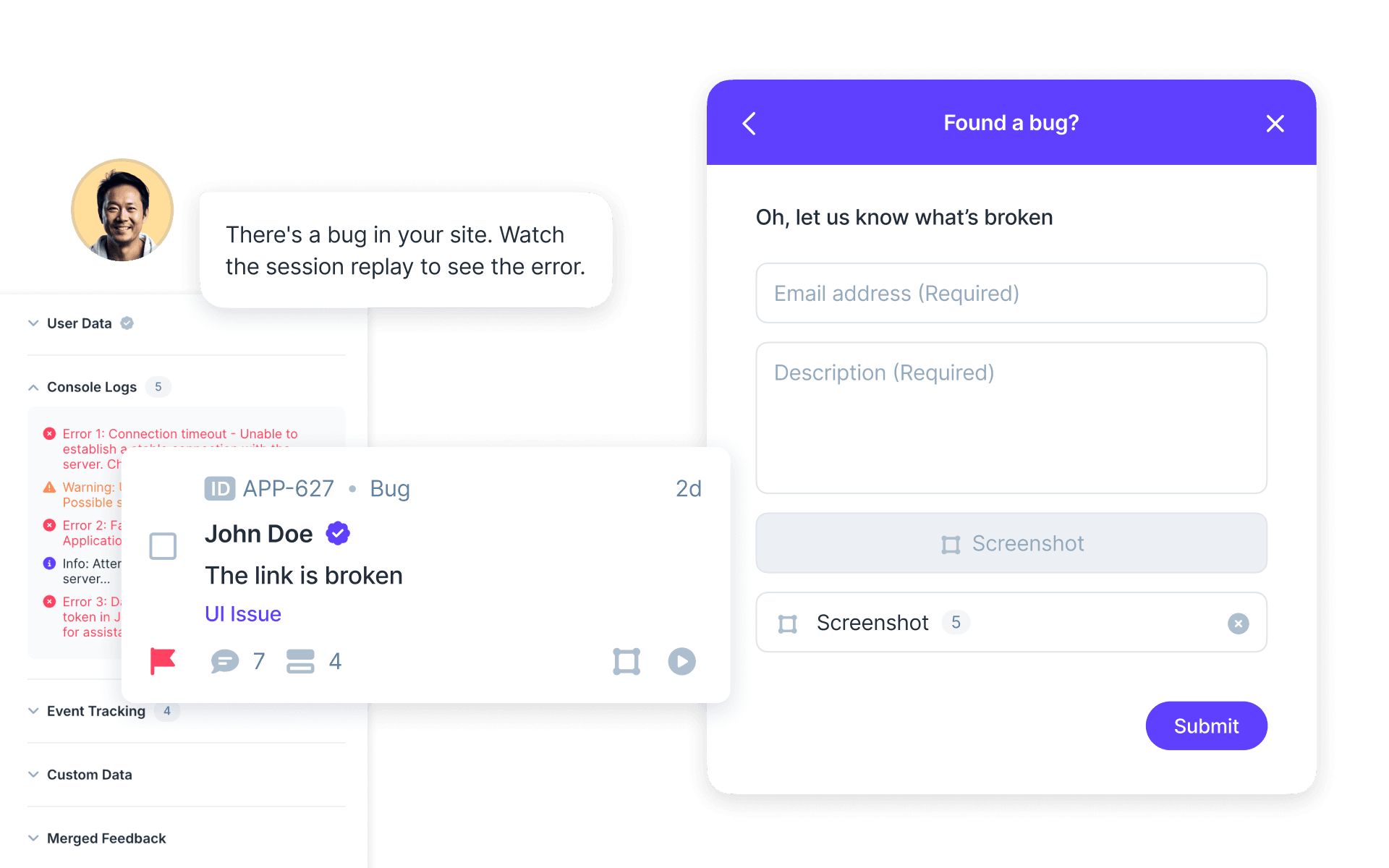








Visual Bug Reports
Capture detailed bug reports with annotated screenshots, Session Replays, console logs and more. No more wasting time with vague bug reports!
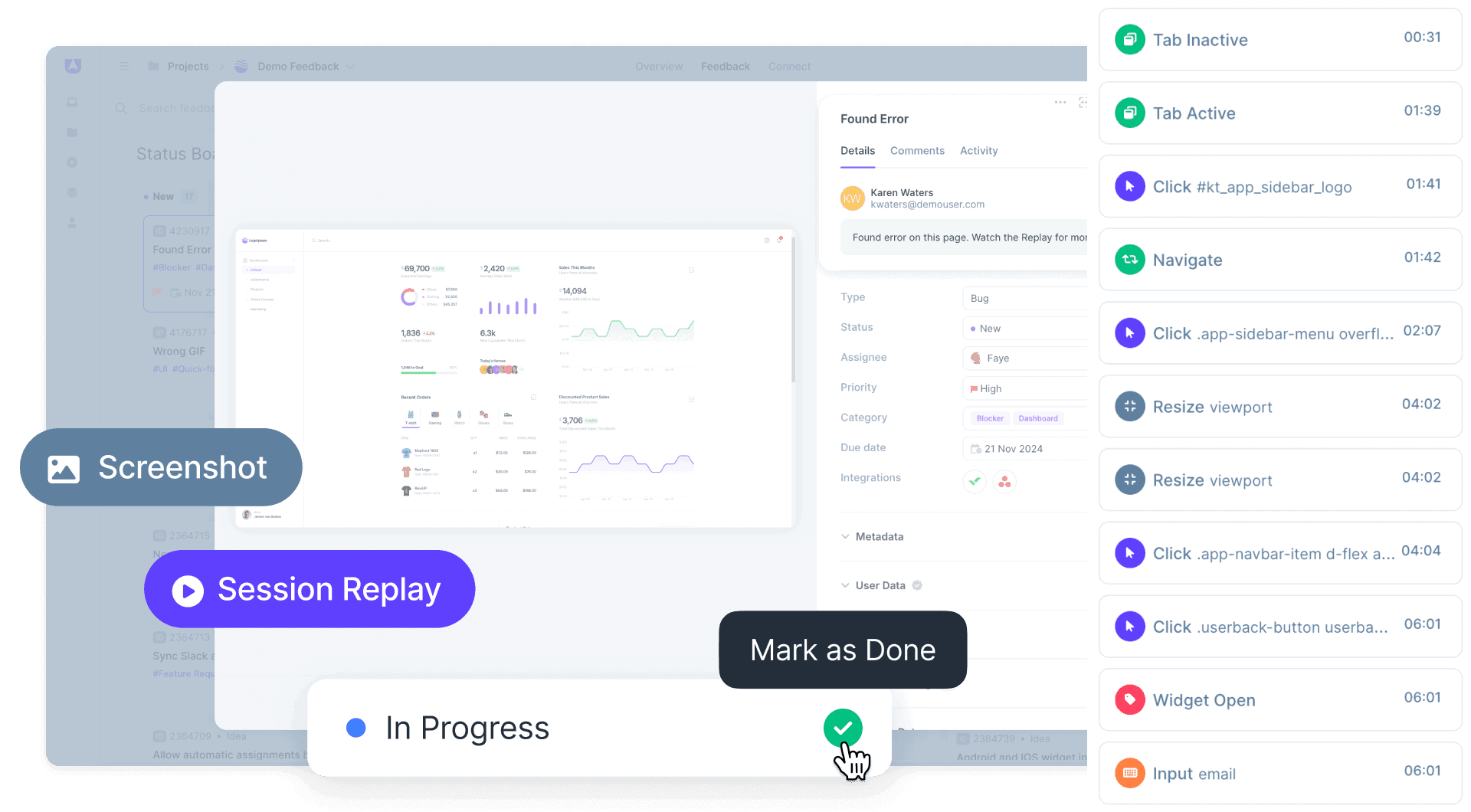
Manage Bugs faster
Ditch email and spreadsheets and manage issues faster with a dedicated bug tracking tool. Assign issues to your team for fast resolution and follow up with customers to keep them in the loop.
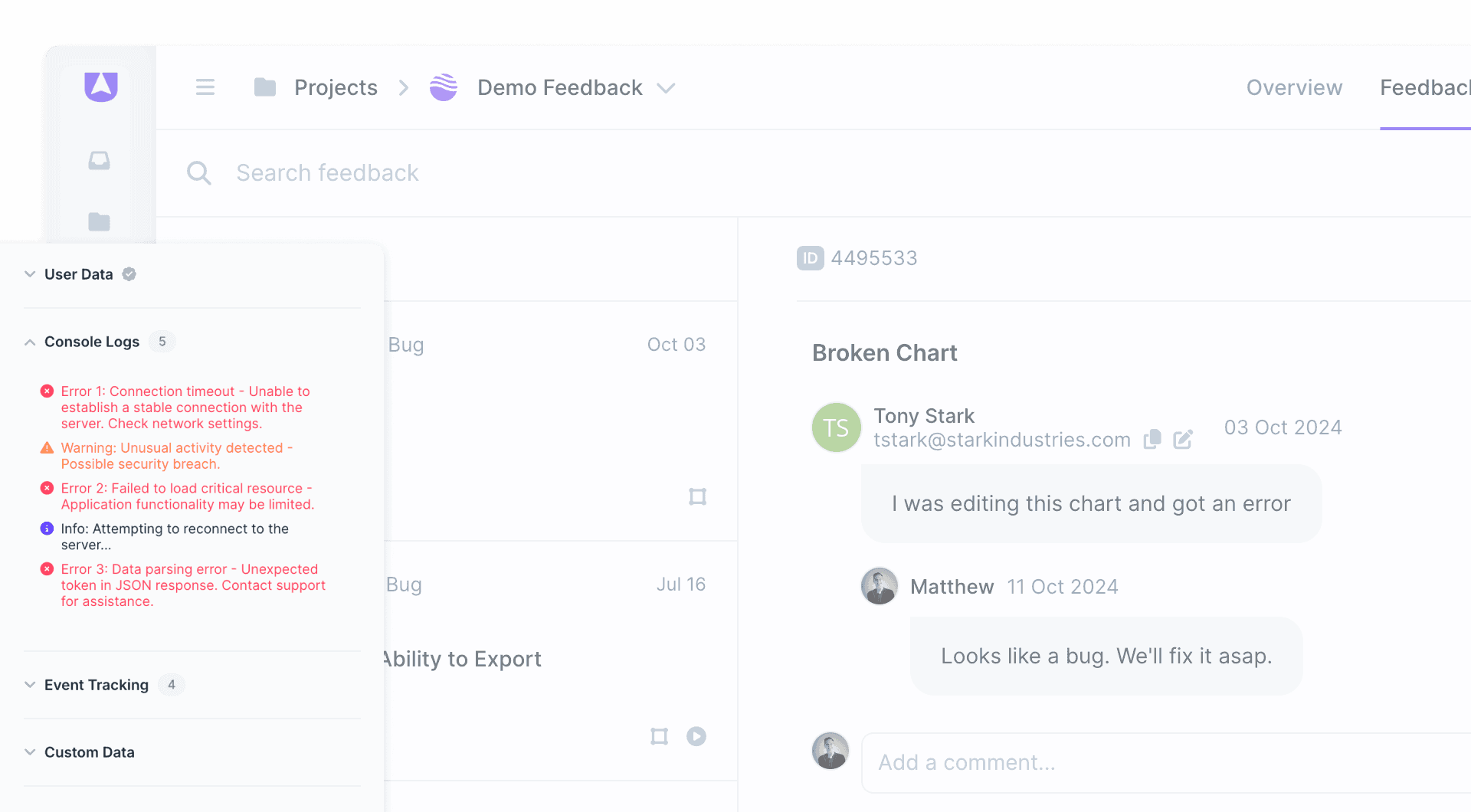
Streamline Workflows
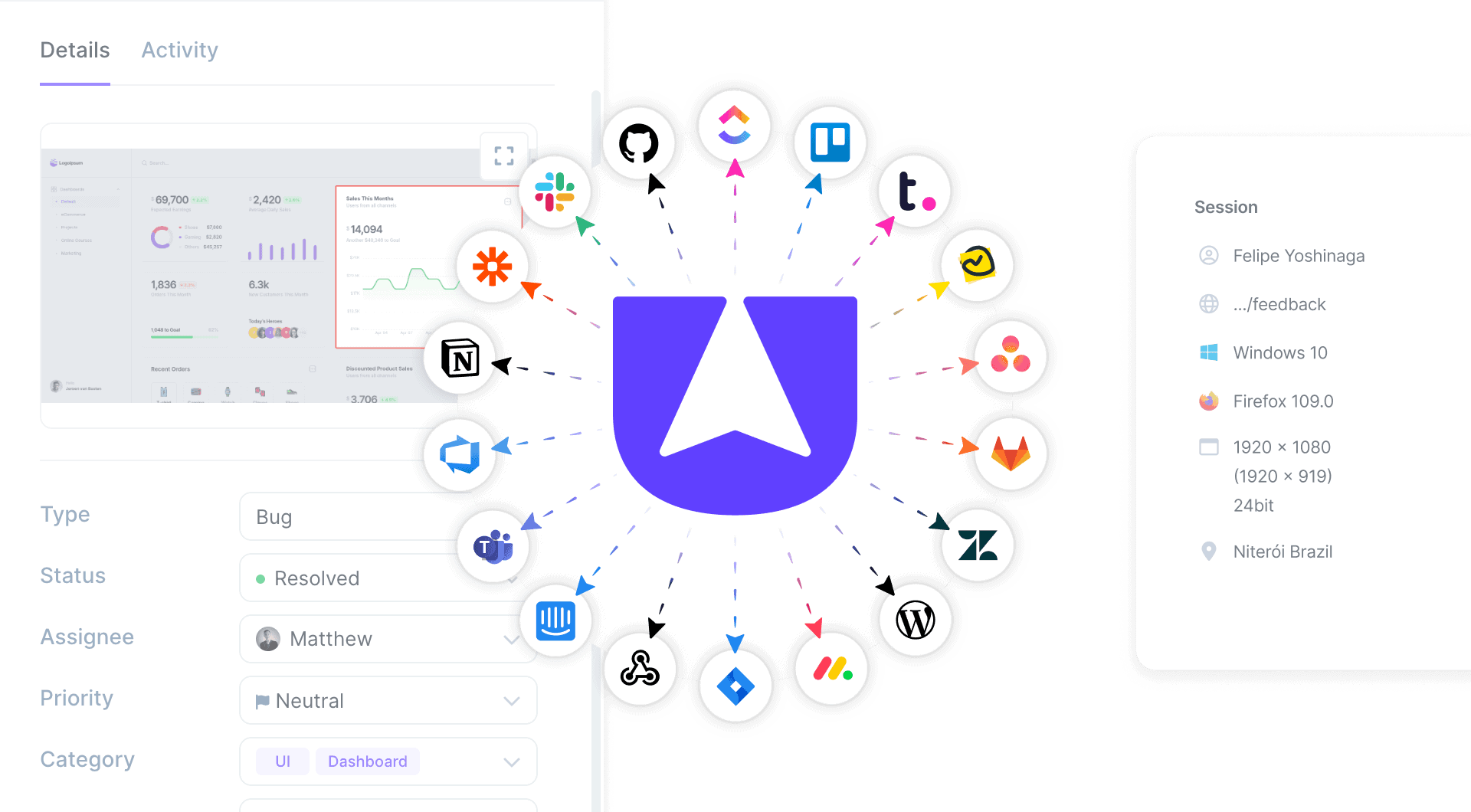
Save your developer’s time by automatically sending detailed bug reports to their existing tools with Userback’s powerful Integrations.
Browser Extension
Instantly report and track bugs during QA with zero-code needed! Use the Browser Extension for visual feedback and faster resolution.
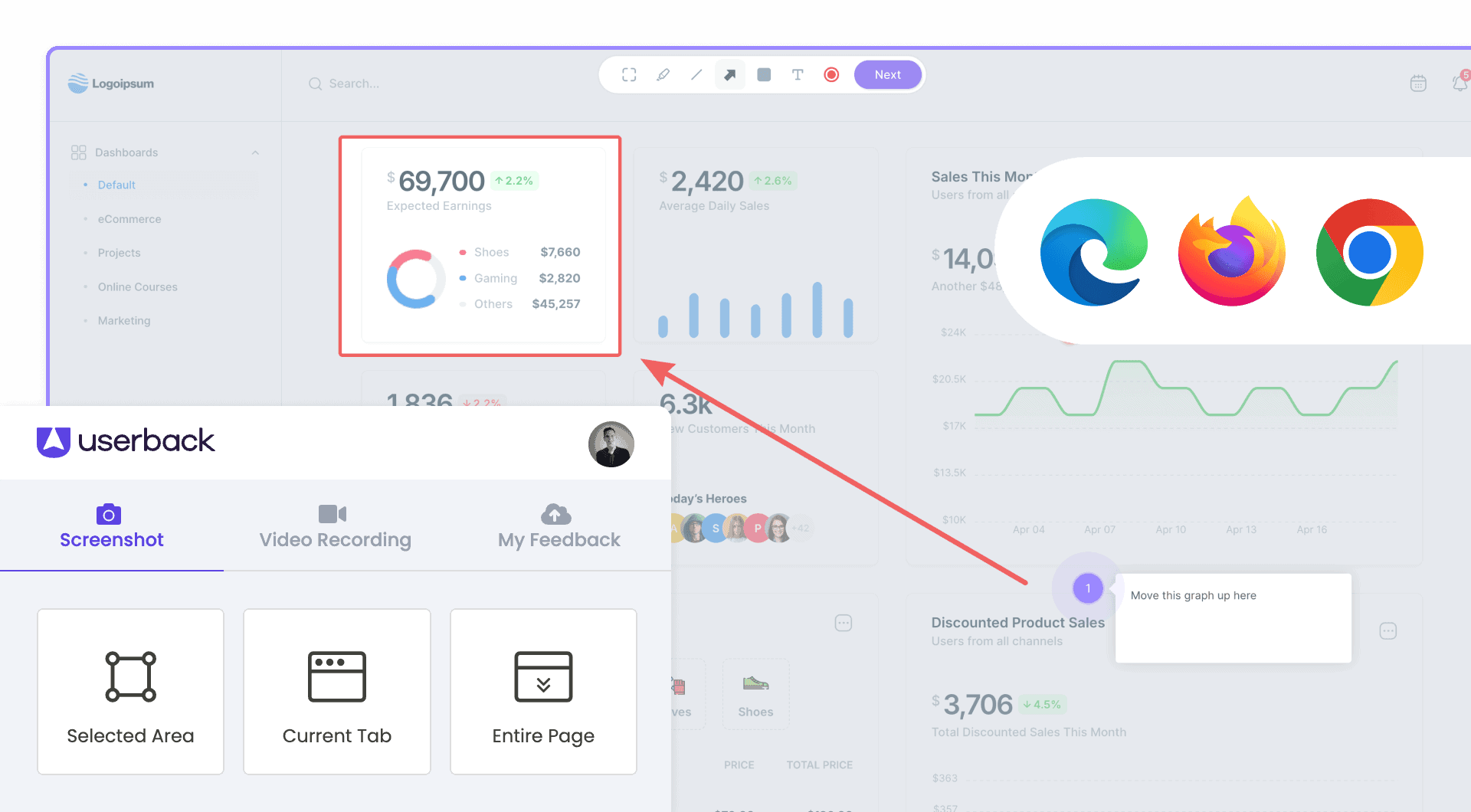
Start by harnessing the power of Userback’s advanced bug tracking tools.

Bug tracking is the process of identifying, recording, and managing bugs or defects in software development. It is crucial because it helps developers keep track of known issues, prioritize their resolution, and ensure that the final product meets quality standards and functions correctly for end-users.
Userback streamlines bug tracking and reporting by providing a visual feedback tool that captures detailed, actionable bug reports directly from your website or application. It allows users to submit feedback with annotated screenshots, videos, session replays and descriptions, making it easier for developers to understand and reproduce issues. Userback is a powerful bug tracking tool that integrates seamlessly with popular project management and development software like Jira, Trello, GitHub, and Slack, allowing teams to sync feedback and bug reports with their existing workflows.
User feedback can significantly enhance bug reporting by providing real-world insights and detailed information about issues encountered during the actual use of the software. This feedback often includes context-specific details, screenshots, videos, and steps to reproduce the bug, making it easier for developers to understand the issue and fix it efficiently.
An effective bug report should be clear, concise, and detailed. It should include a unique title, a detailed description of the issue, steps to reproduce the bug, the expected and actual results, screenshots or videos (if applicable), the environment details (e.g., operating system, browser version), and the severity level. Userback simplifies bug reporting by providing user-friendly tools that enable quick submission of visual feedback, including annotated screenshots and videos, directly from your website or application—giving developers all the information they need to understand and resolve issues faster.
Feedback
Product Managers, SaaS, Web Agencies
Click to show Live Preview
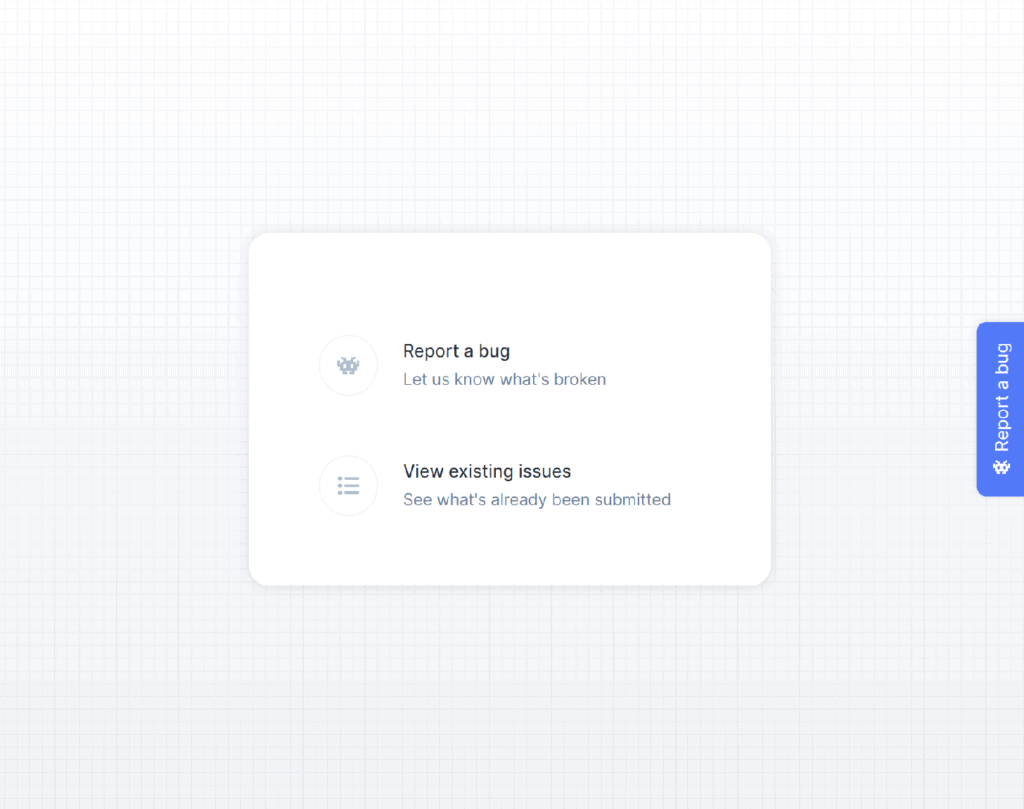
Capture highly precise bug reports so you can fix them faster.
Feedback
SaaS
Click to show Live Preview
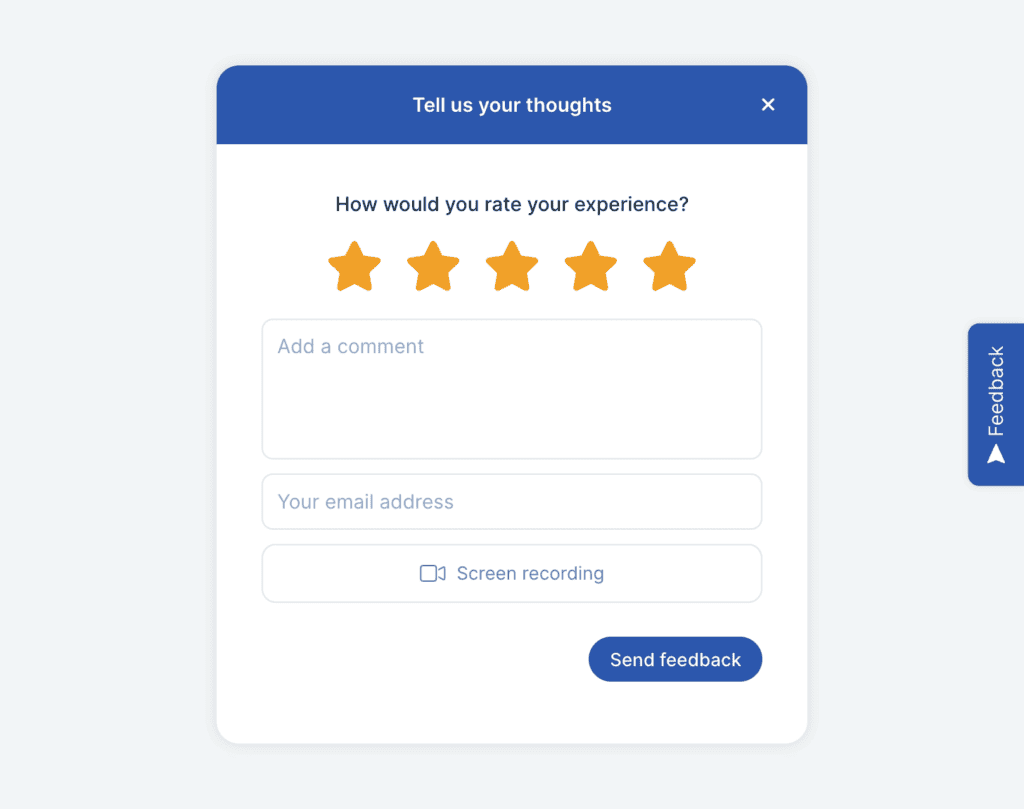
Fast feedback for internal QA and bug reporting from your internal teams.
Feedback
Product Managers, SaaS, Web Agencies
Click to show Live Preview
Validate ideas and release with confidence by conducting UAT with your actual users.
Userback has reduced the need for confusing back and forth conversations with clients trying to reproduce situations, so developers can fix issues faster.
Eric Ressler
Founder


Guide
SaaS, Web Agencies
Whether you’re building something new or just need to keep

Webinar
SaaS
Are you tired of endless back-and-forth communication with your customers